
How to Migrate from Your Current EHR Without Losing Patient Data
Author
Fornex Health Team
Published
July 3, 2026
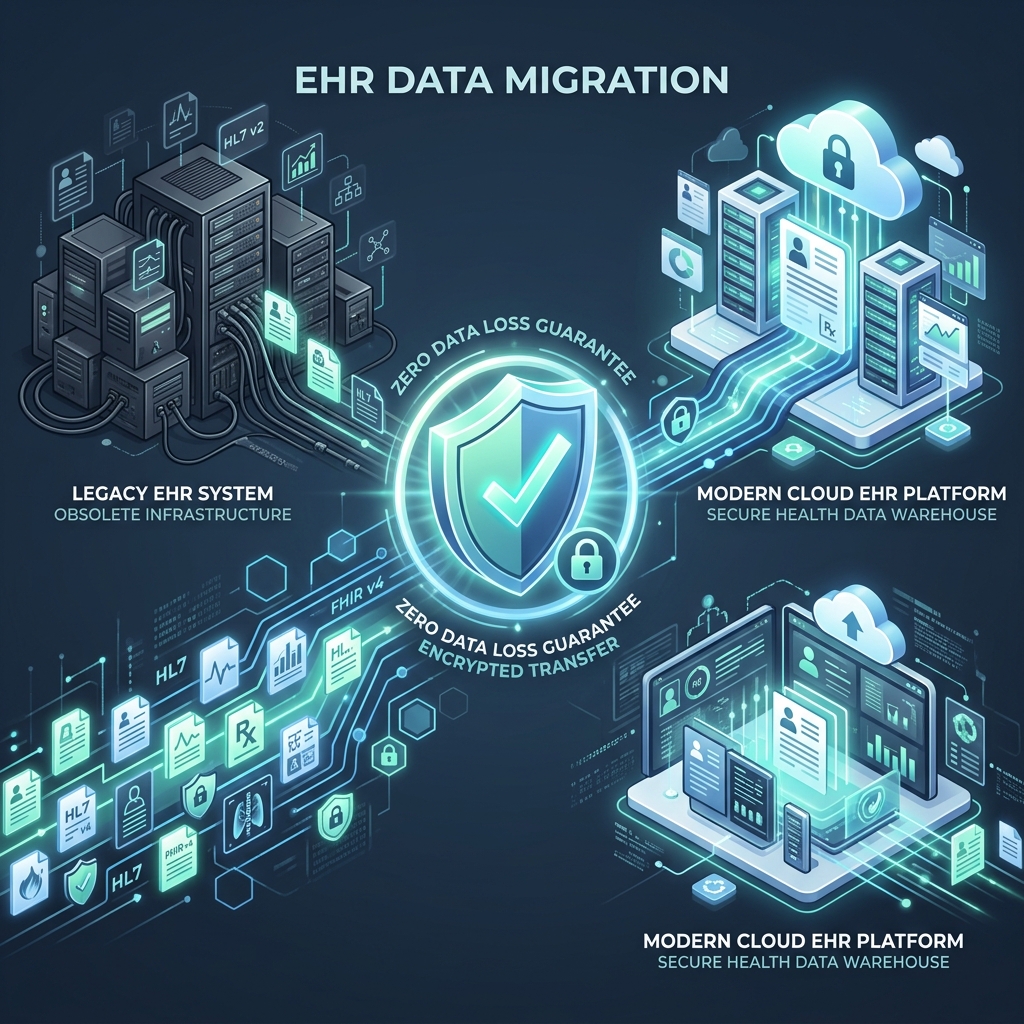
Quick answer: Safe EHR migration comes down to five disciplined steps: audit and clean your existing data before you move it, map fields between old and new systems, migrate in controlled phases rather than one bulk transfer, validate a sample dataset before touching everything, and run the old and new systems in parallel briefly during go-live. Skipping the cleanup step is the single most common cause of data loss, duplicate and fragmented records that existed quietly in the old system become visible failures in the new one.
Most practices can complete a full migration in 3 to 10 weeks depending on data volume and complexity. Here's how to do it without losing anything that matters.
Step 1: Audit what you actually have before you move it
Before any data moves, you need a full inventory of what exists in your current system: patient demographics, clinical notes, lab results, imaging, medication history, billing records, and scheduling data. This is tedious, and it's tempting to skip straight to "just export everything." Don't.
Legacy systems accumulate mess over time. Industry data shows duplicate records commonly exceed 8–12% of a healthcare database, against an ideal threshold closer to 3%, and duplicate rates in cross-EHR data exchange can spike to 50–60%. If you migrate that mess as-is, you don't just move the problem, you make it permanent in a system your team will use for years.
During this audit, decide:
- What data is essential to migrate (some organizations migrate 10 years of history, others 3, there's no universal right answer)
- What can be cleaned, deduplicated, or archived rather than carried forward
- Whether historical paper charts need scanning, or can be referenced manually during a transition period
Step 2: Map fields between the old system and the new one
Every EHR vendor structures data differently. How allergies, encounters, and lab results are represented can vary significantly from platform to platform. Data mapping means matching each field in your old system to its equivalent in the new one, and converting legacy formats into standard healthcare data models like HL7 and FHIR where possible.
This step is where a lot of "small" errors originate. A mismatched field for medication dosage or allergy severity doesn't look catastrophic during migration, it looks catastrophic the first time a clinician relies on it during patient care. Treat field mapping as a clinical safety task, not a purely technical one.
Step 3: Migrate in phases, not all at once
It's counterintuitive, but transferring everything in a single bulk move is riskier than doing it incrementally. Large bulk transfers increase the likelihood of both human and automated errors, and even small issues during a mass conversion can compromise patient records at scale before anyone notices.
A phased approach typically looks like:
- Migrate a small test dataset first, a handful of patients, and validate it thoroughly
- Expand to a larger sample and check integrity again
- Migrate active patients before archived or inactive records
- Reserve full historical migration for a controlled window, ideally during lower patient volume
Step 4: Validate before you trust it
Once data lands in the new system, validation isn't optional and it isn't just a technical checkbox, it needs clinical eyes on it. Best practice combines:
- Checksums and record counts to confirm nothing was dropped in transit
- Clinical review of a representative sample, checking medication history, allergies, and diagnoses specifically. These are the fields where an error becomes a patient safety issue, not just an inconvenience
- Cross-referencing against the old system for a subset of patients before decommissioning anything
Prioritize patient safety and compliance-critical fields over cosmetic issues. A misaligned column header is annoying. A missing allergy record is dangerous.
Step 5: Go live with the old system still available
Don't unplug the legacy system the moment the new one is live. Plan a phased transition where staff are trained early, go-live is scheduled during a lower-volume period, and the old system remains accessible, read-only, if needed, for reference during the adjustment period. This gives your team a safety net if something surfaces in week two that validation missed in week one.
Common migration mistakes to avoid
- Skipping data cleanup because it feels like it's slowing things down. It's the highest-leverage step in the entire process.
- Treating migration as purely an IT project. Clinical staff need to be involved in validating what actually matters in the data, not just confirming a record count matches.
- Migrating everything at once "to get it over with." Phased migration takes more calendar time but dramatically reduces the blast radius of any single error.
- Underestimating vendor cooperation friction. Even with certified EHR systems, requesting a complete patient data export can involve logistical or administrative delays. Build that into your timeline, don't assume it'll be instant.
- Forgetting metadata. Timestamps, authorship, and audit logs matter for regulatory compliance and clinical accountability, not just the clinical content itself. Losing them during migration creates a compliance gap even if the clinical data transferred perfectly. See our HIPAA compliance checklist for what auditors expect on the logging side.
A Working Migration Checklist
Frequently Asked Questions
How long does an EHR migration typically take?
Most practices complete a full migration in 3 to 10 weeks, covering planning, data mapping, testing, training, and go-live, though larger organizations with more data volume or more complex integrations can take considerably longer.
Should I migrate all historical patient data, or just recent records?
There's no single right answer. Some organizations migrate a full 10-year history; others migrate only the last 3 years and keep older records accessible in the legacy system for reference. The decision should weigh clinical relevance against migration risk and cost.
What's the single most common cause of data loss during EHR migration?
Skipping or rushing the data cleanup and validation steps. Bulk transfers without phased testing are where duplicate records, mismatched fields, and missing metadata slip through unnoticed until a clinician encounters the gap during actual patient care.
References
- Step-by-Step EHR Data Migration Guide - ICANotes
- 5 Key Steps to Successful EHR Data Migration - Hart
- Safely Moving Medical Data: Everything You Need to Know About EHR Migration - Elation Health
- EMR Data Migration Best Practices, Benefits & Challenges - PrognoCIS
- How to Migrate Data to a New EHR Successfully - Patagonia Health
- EHR Data Migration Process: Top Tips And Best Practices - Software Finder
- EHR Data Migration Checklist: A Complete Guide - DocVilla
- Healthcare Data Migration Guide for EHR and EMR Systems - TierPoint
Ready to Build for the Future?
Don't let legacy architecture limit your potential. Connect with us to build a flexible, AI-ready healthcare application.
Talk to Our Experts